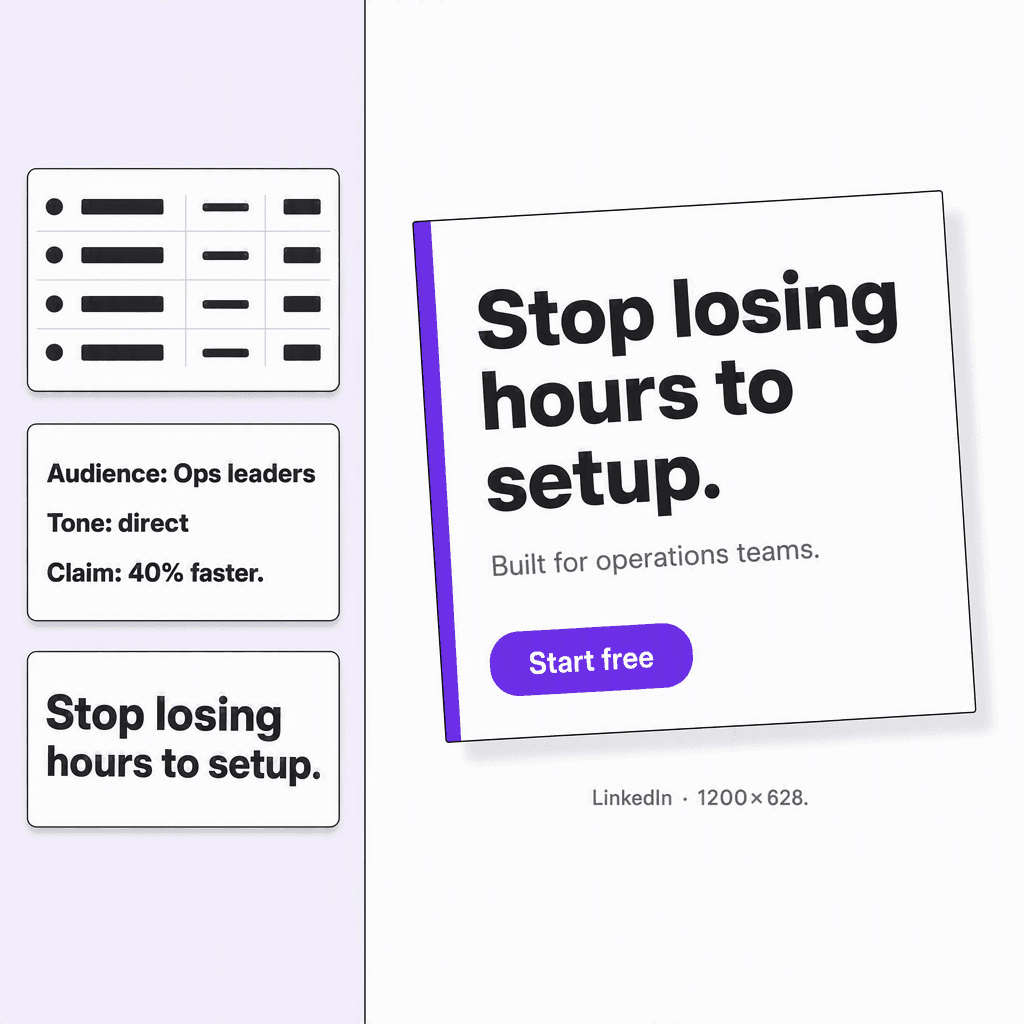
Image ads
Create ads from real product context
Use approved copy, brand rules, and real product visuals to make ads for supported placements.
Start freeOne URL. One connected campaign.
One campaign workflow for SaaS, online stores, apps, courses, and creator products. Review the research, approve a plan, edit the copy, and prepare creative for your chosen placements.
1,000 free credits. No card required.
What you can make
Use approved copy, brand rules, and real product visuals to make ads for supported placements.
Start freeWhat Infinall includes
Keep the product context, market evidence, campaign decisions, copy, creative, approvals, and launch plan connected.
Turn your URL into saved product facts, audience context, proof, voice, colours, fonts, pricing, and screenshots.
Review available competitor ads, customer language, and demand signals before choosing the message.
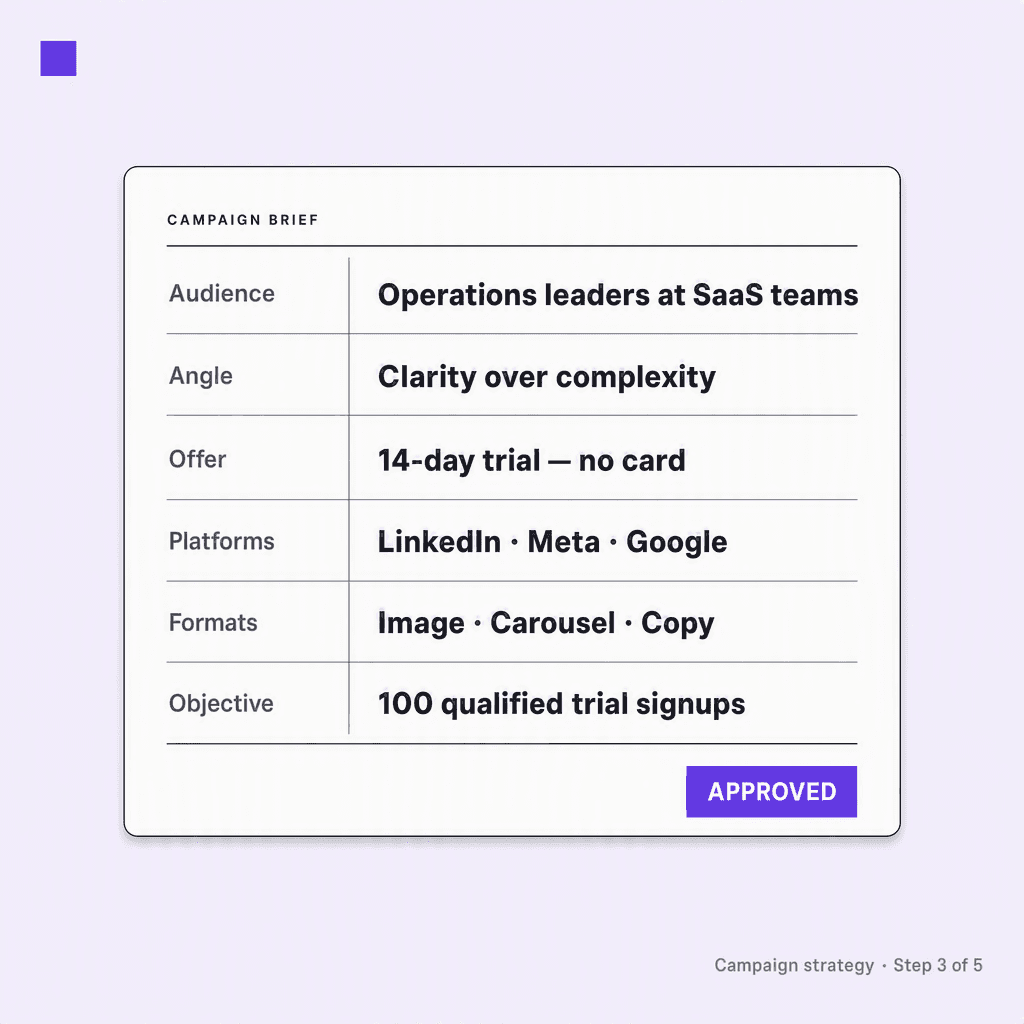
Set the audience, angle, offer, channels, formats, and objective before any campaign copy is written.
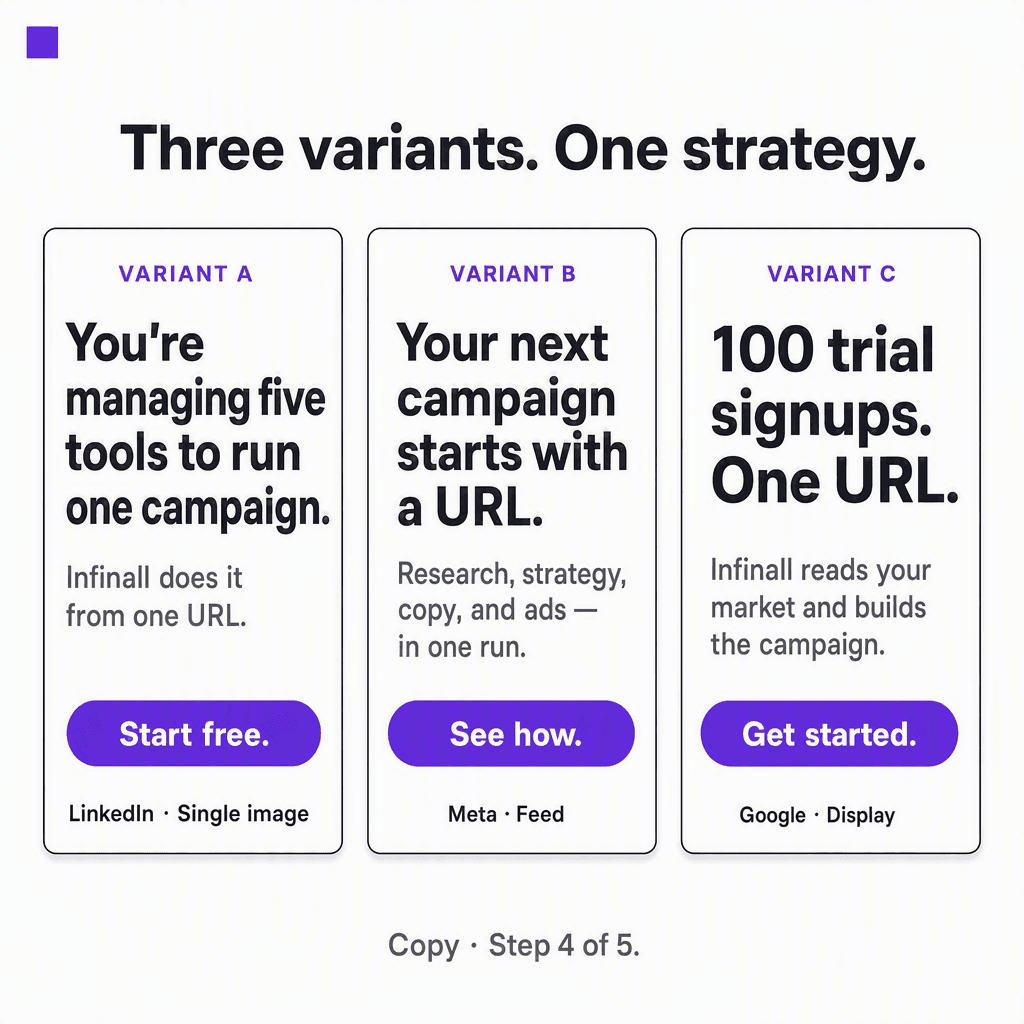
Create three versions of hooks, headlines, primary text, descriptions, and CTAs for supported placements.
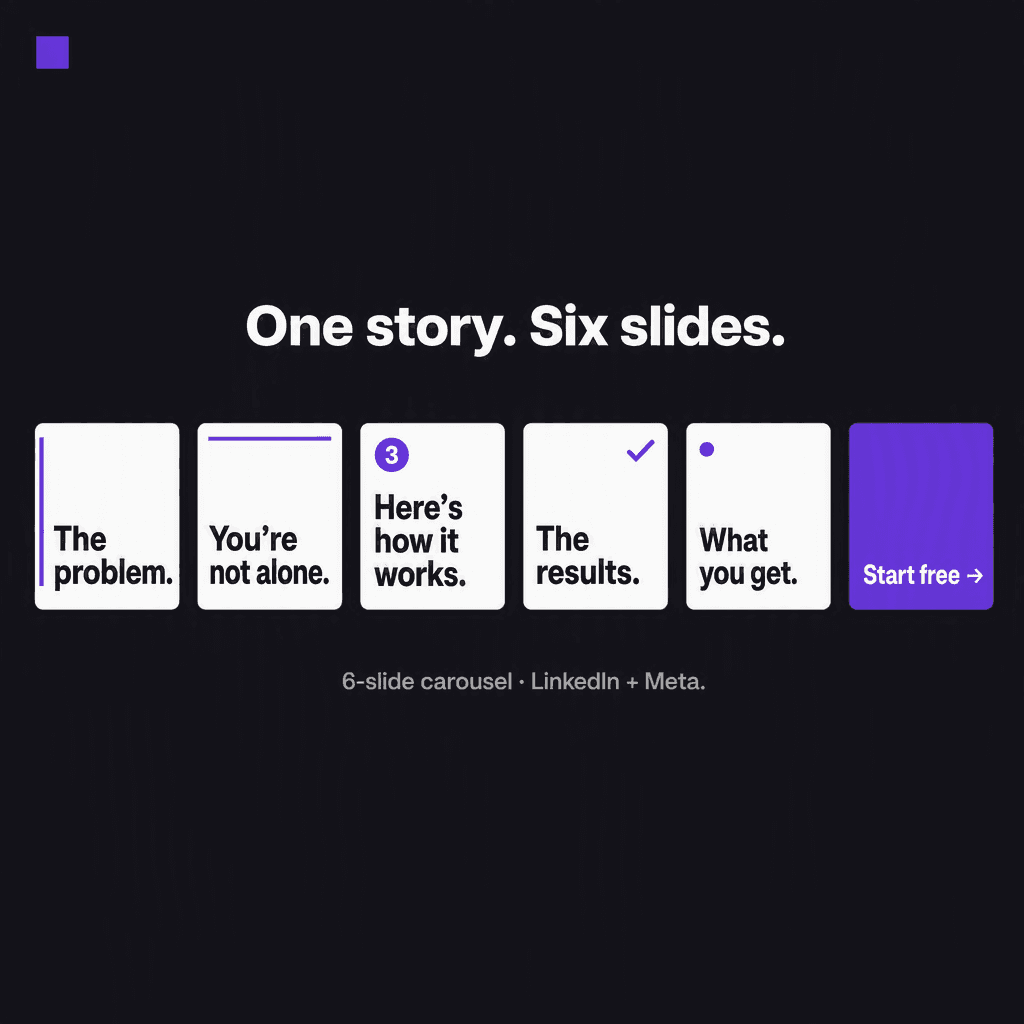
Generate editable image ads, carousel decks, motion ads, and video from the approved campaign.
Approve each stage, edit the output, then publish from the calendar or export and upload yourself.
How it works
Each agent produces something you can inspect and edit. Approve the work before the next stage starts.
1. Brand Brain
Paste your product URL and choose a goal. Infinall saves your positioning, audience, features, pricing, proof, voice, colours, fonts, and available screenshots in a reusable Brand Brain.
Paste your URL and use 1,000 free credits. No card required, and nothing moves forward without your approval.
Start with my URLVideo generation
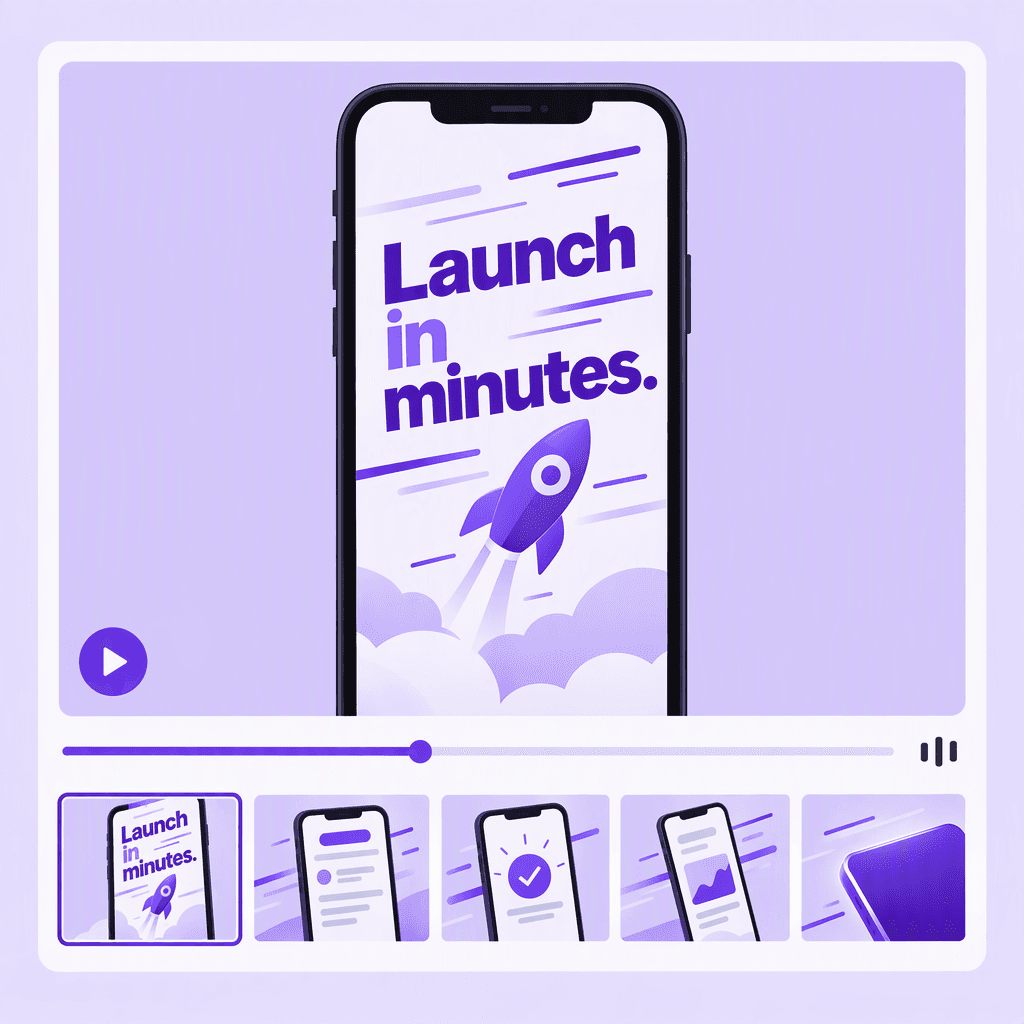
Use the same audience, angle, and approved claims to generate video across 20 commands, avatar, live action, UGC, demo and explainer, with voiceover, captions, and a final CTA frame.